
On OnlyFans, the AI reads and sends messages through the session opened by the OnlyChat browser extension on the creator's OnlyFans account. When that session breaks (logged out, password changed, session expired or invalidated by OnlyFans), the dashboard shows it as Sync warning or Sync error on the creator card and "Never synced" or an old "Last synced" time on the Overview tab. The AI stops reading new messages until the session is back. This page tells you how to read those states and get back to Synced.
Where to look

The sync badge on the card has three states:
| Badge | Meaning | What to do |
|---|---|---|
| Synced | The extension session is valid and the last sync succeeded | Nothing |
| Sync warning | The last sync is old or partially failed | Open the browser with the extension, check the OnlyFans login, sync again |
| Sync error | The session is invalid (logged out, expired, password changed) | Log in to OnlyFans again in that browser and reconnect the creator from the extension |
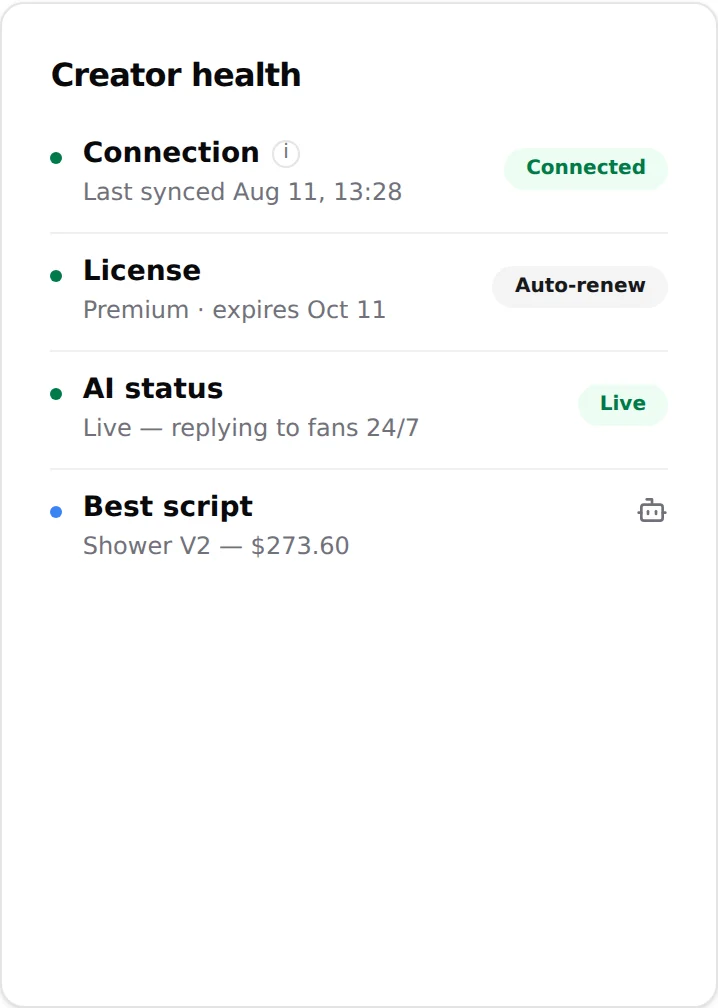
On the Overview tab, the Creator health card has a Connection line: "Last synced MMM D, HH:mm" or "Never synced" (tooltip "State of the OnlyFans session used to read and send messages"). "Never synced" on a creator that has been live means the session was reset.
Fix a lost connection
- Open the browser that has the extensionThe extension lives in one Chrome profile. Sync only works from there. If that computer is off, the session is not refreshed.
- Check the OnlyFans loginOpen onlyfans.com in that browser. If it asks you to log in, log in with the creator's account. A password change on OnlyFans always invalidates the session.
- Check the extension versionOpen the extension. If it is missing or outdated, download the current zip from the dashboard: Creators, Add creator, OnlyFans card, Download extension, then install it again. See Install the extension.
- Reconnect the creatorFrom the extension, connect the creator again. The card badge turns to Synced and the Overview shows a fresh "Last synced" time. See Connect a creator.
- Flip the AIIf the AI switched itself off while the session was broken, flip AI on again on the card.
Messages not up to date on a fan
Open the fan's conversation. If the conversation has not been synced yet, a Sync last 50 msgs button is shown. Click it: toast "Messages synchronized successfully!" or "Failed to sync messages. Please try again." The second one means the extension session is not usable: go back to the steps above.
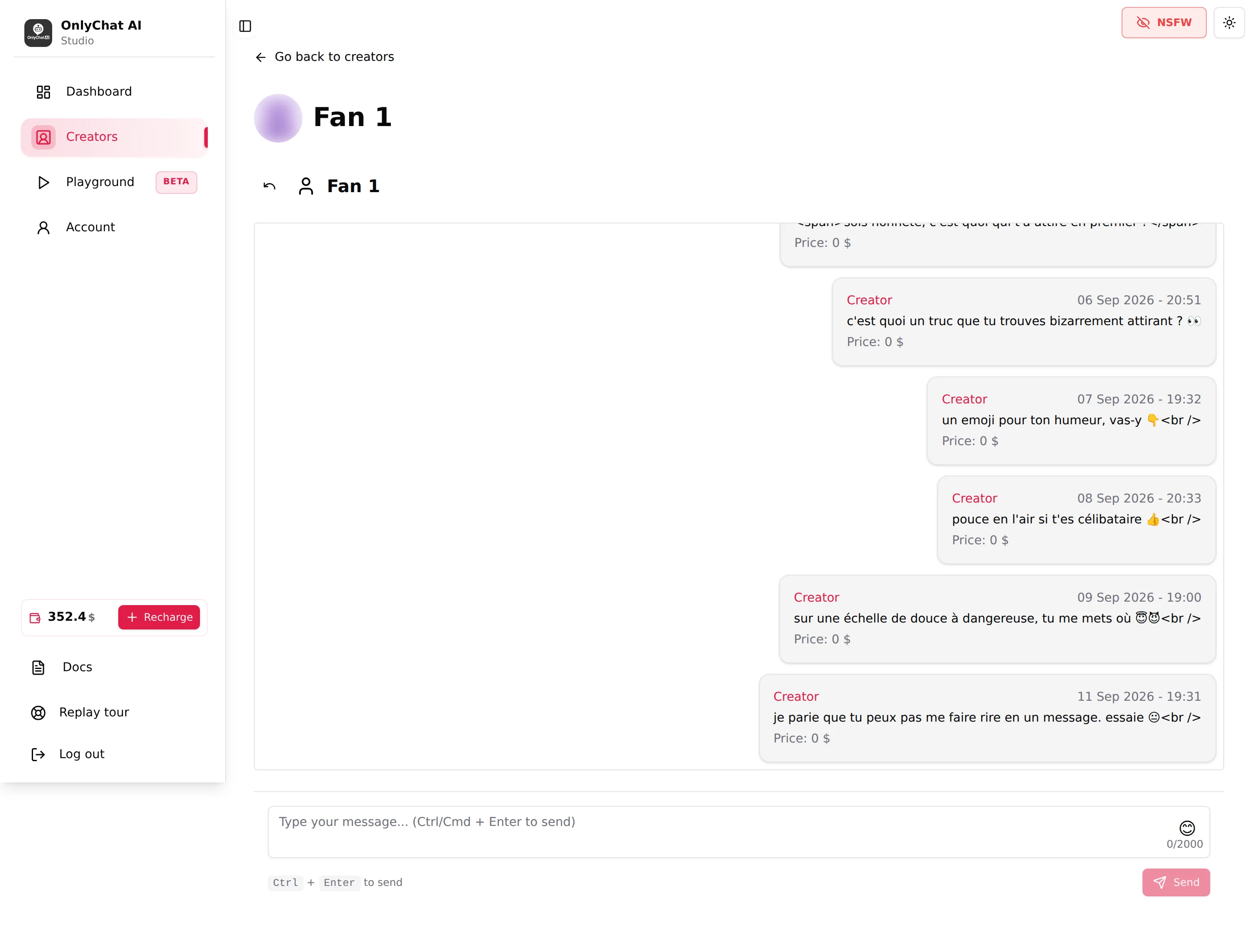
"Failed to load messages." or "Failed to send message. Please try again." on this page point to the same cause.
One more case that looks like a sync problem and is not: a conversation someone opened from the OnlyFans app is marked as read, and the AI only handles unread messages. Put it back to unread in the app (press and hold, swipe left) and the AI answers.
Media sync problems
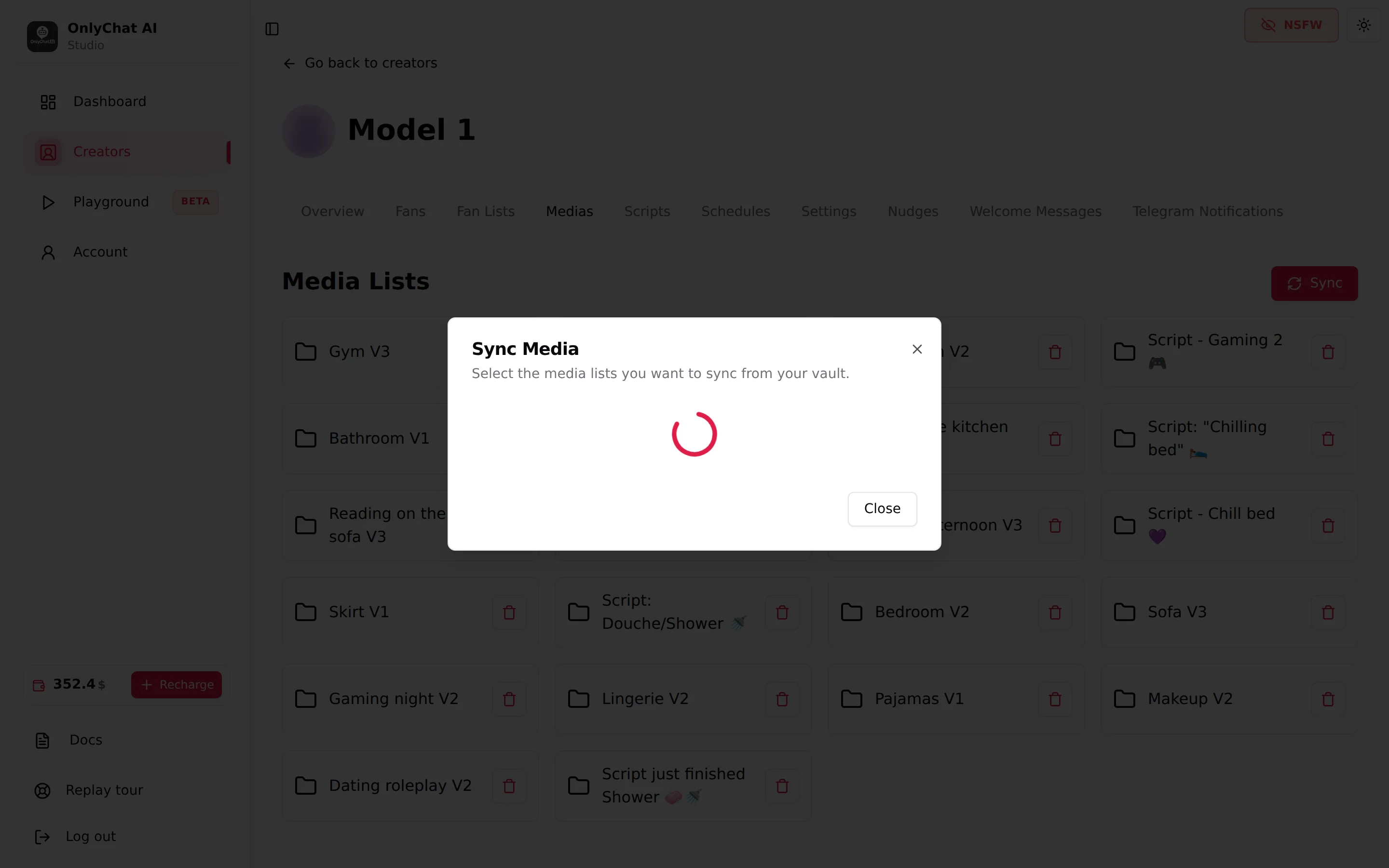
Media comes into OnlyChat through the Medias tab, Sync Media (modal "Sync Media. Select the media lists you want to sync from your vault.").
| Symptom | Cause | Fix |
|---|---|---|
| "Failed to start sync" | Extension session down | Fix the session first, then sync again |
| The modal shows no lists | The vault has no lists, or the session cannot read it | Create lists in the OnlyFans vault; check the session |
| A media is missing from the step picker ("No media for creator found. Please sync your vault to access creator's media") | The list was never synced, or the media is new | Sync the list; the sync "only brings in what's new, nothing you wrote here is overwritten" |
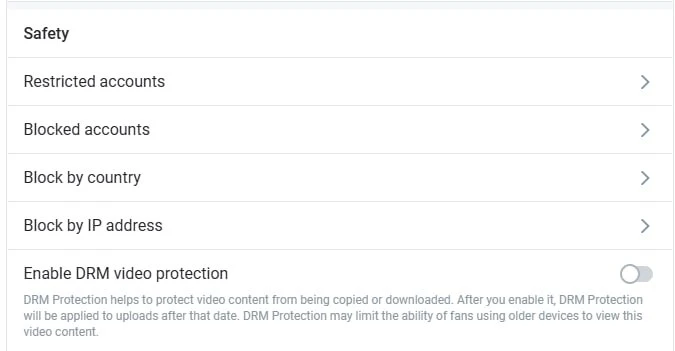
| Only photos come in, no videos | DRM protection is on in the creator's OnlyFans settings | On OnlyFans: Settings, Privacy and safety, block Safety, switch Enable DRM video protection off, then sync the list again |
| Media present but not "Ready for AI" | No description | Open the media, add a Description, Update. Use OnlyVault captions |
| "Error deleting Media List." / "Error deleting media" | Temporary error | Reload the page and retry |
Only photos come in, no videos: DRM
This is the most common media question. When the creator has DRM protection enabled on OnlyFans, the sync imports the photos and skips every video, without any error. On the creator's OnlyFans account: Settings, Privacy and safety, block Safety, turn Enable DRM video protection off, then open the Medias tab in OnlyChat and sync the list again. The videos appear, and you can describe them like any other media. Keep DRM off for as long as the AI sells that creator's videos.
Fan lists not refreshing
The Fan Lists tab reads lists live from OnlyFans. Update lists returns "Unable to reach OnlyFans, try again" when the session is down. Fix the session, then click Update lists again. See Fan lists.
Good to know
- A creator is created by the extension, "not from here": the Add creator dialog only gives you the download and the guide.
- The sync badge is also on the creators board, so you can check every creator in one glance each morning. See Daily routine.
- OnlyChat never stores your OnlyFans password; the extension hands the session to OnlyChat at sync time, and the connection then holds with Chrome closed.
- The extension zip served by the dashboard is the current version; older links found elsewhere may be outdated.