
The Recharge button of the dashboard takes crypto. If you prefer a bank transfer, the official OnlyChat payment bot on Telegram handles it end to end: it gives you the bank details and a payment reference, watches for your transfer, credits your balance automatically in dollars, and sends you the invoice when you tap a button. No message to write to anyone, no waiting for a manual credit.
Where to find it
Open t.me/OnlyChatPayBot in Telegram and send /start. The bot introduces itself as "the official OnlyChat bot for balance top-ups by bank transfer" and names its official link. Any other bot or account offering OnlyChat bank details is fake.
Top up in four steps
- Your account e-mailSend the e-mail you use to log in to OnlyChat. The first time, the bot checks that the account is yours: it e-mails you a 6-digit code to type back. If you cannot reach that mailbox, send instead one proof of a past top-up: the Payment ID of a crypto top-up, the OC-XXXXX reference of a previous transfer, or the number of an invoice we sent you. This check happens once.
- The name on your bank accountType the account holder name of the bank account you will transfer from, as it appears at your bank. It helps the bot match your transfer.
- The amount, in eurosSend a number between 90 and 5,000 EUR. Your balance is in dollars; the conversion is done when the transfer arrives.
- Transfer with the referenceThe bot replies with the exact amount, the account holder, the IBAN, the BIC and a payment reference of the form OC-XXXXX. Make the transfer from your bank with that reference in the payment description. The bank details never change: if anyone sends you different ones, it is a scam.
What happens next
- The bot watches for your transfer. When it arrives, your balance is credited automatically in USD at the day's exchange rate, rounded to the nearest dollar, usually within minutes. SEPA transfers can take up to one business day to arrive.
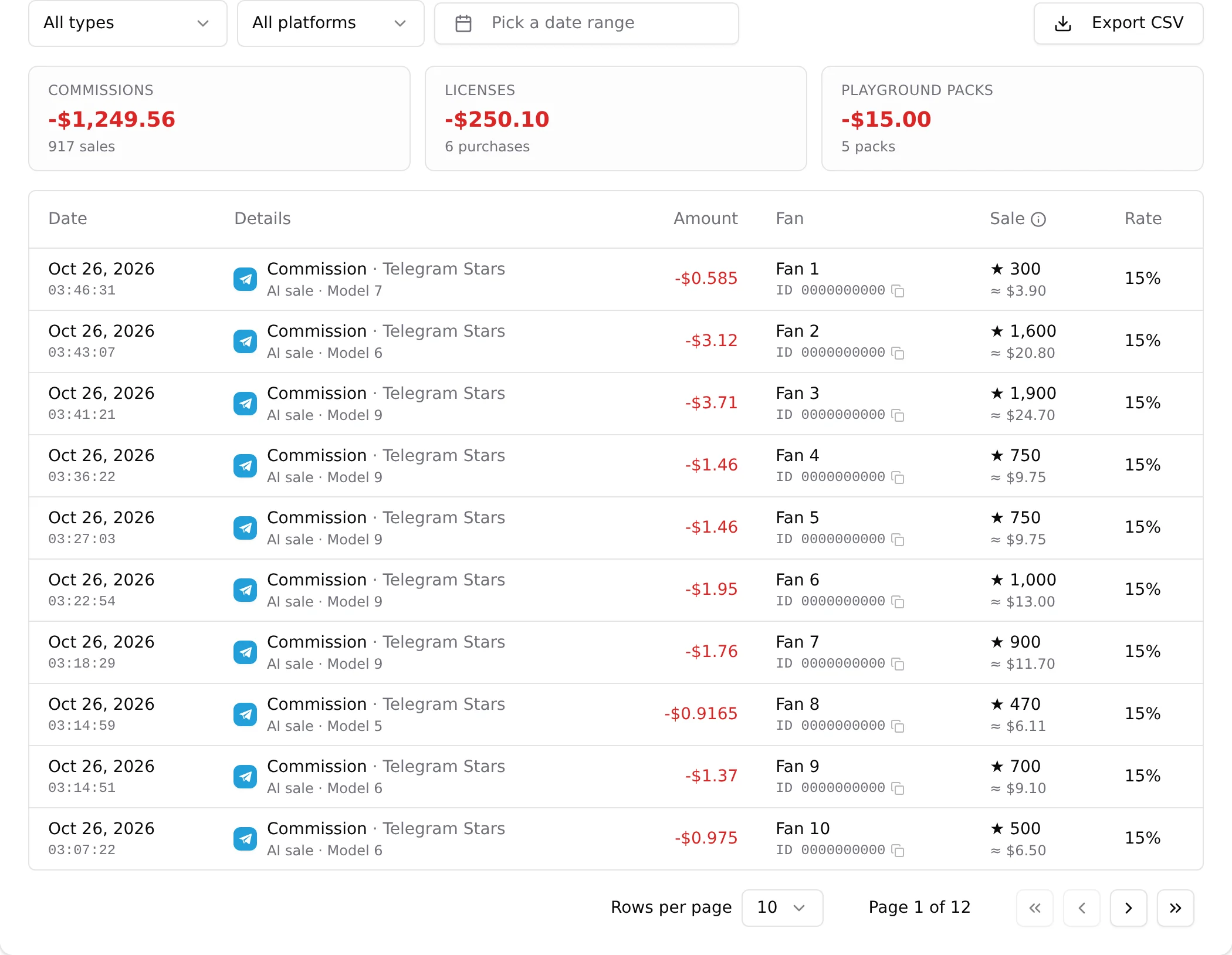
- You get a message in the bot when the credit is done, and the recharge appears in the transaction history of your Account page, Balance tab, like any other recharge.
- A request stays open for 5 days. If no transfer arrives in that time it expires, and you send /start again for a new one. You can have two open requests at most.
- The amount credited is the amount actually received. If your bank or an intermediary takes a fee on the way, the credit is lower than what you sent.
Get an invoice
The confirmation message carries a Get an invoice button. Tap it, answer with your billing lines (company name and address) the first time, and the PDF invoice arrives in the chat. Your billing lines are remembered for the next time.
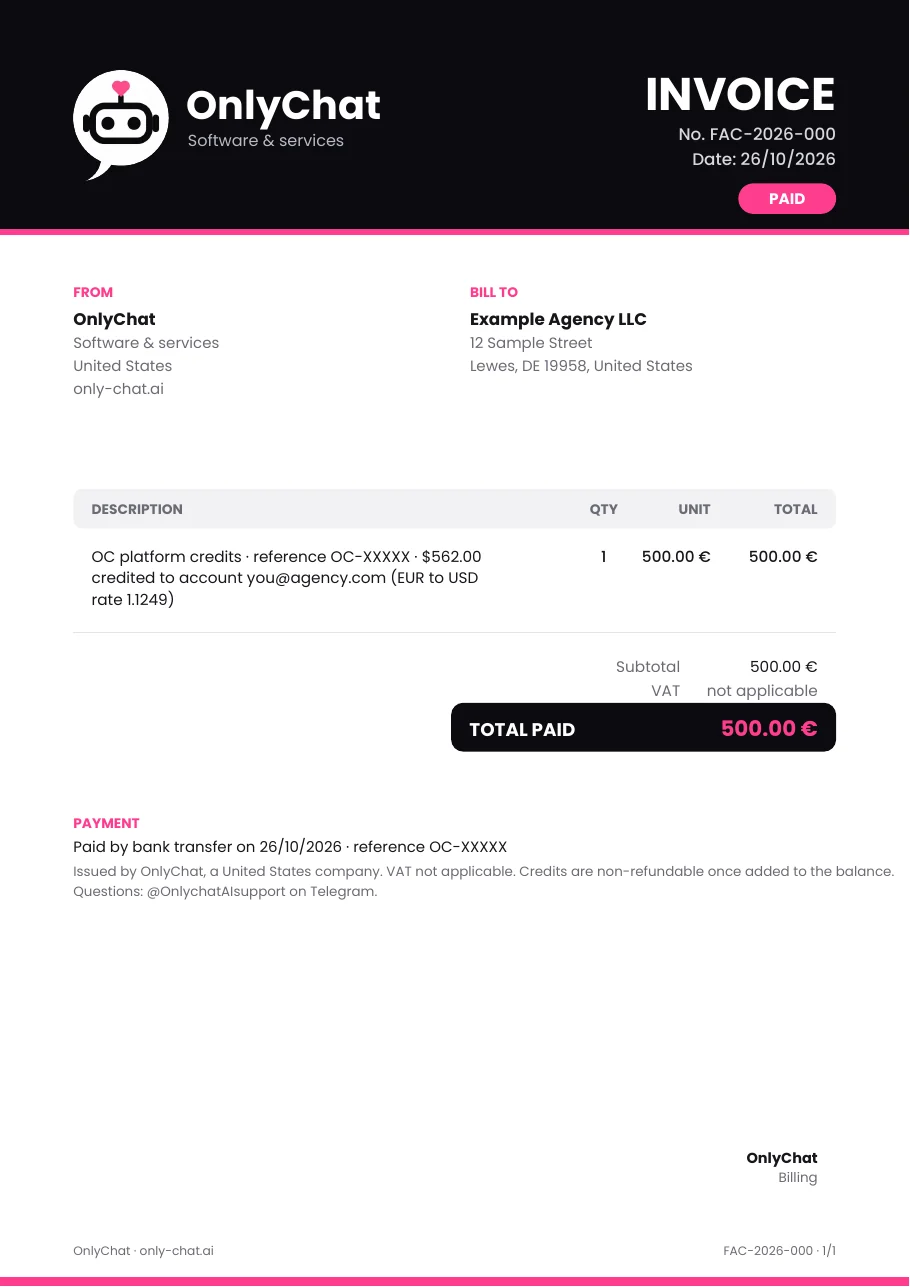
For a top-up paid by crypto in the dashboard, the same bot makes the invoice: send /invoice, your account e-mail, then pick the payment from the list.
Good to know
- The bot only ever asks for your OnlyChat e-mail, the name of your payer and an amount. It never asks for a password, a card number or a bot token.
- Card payment stays available on request for larger agencies, see Balance and licenses.
- OnlyVault is separate and takes crypto only, see Credits and billing.