
An OnlyVault account belongs to one owner, who holds the credits. The owner can invite teammates with an invitation link, as Editor (generate and edit captions on the owner's credits) or Assistant (mark captions done only). Each member only sees the creators the owner grants. Members do not need to verify an email, never see the balance, and share the free quotas of Script descriptions and Persona setup with the owner.
Where to find it
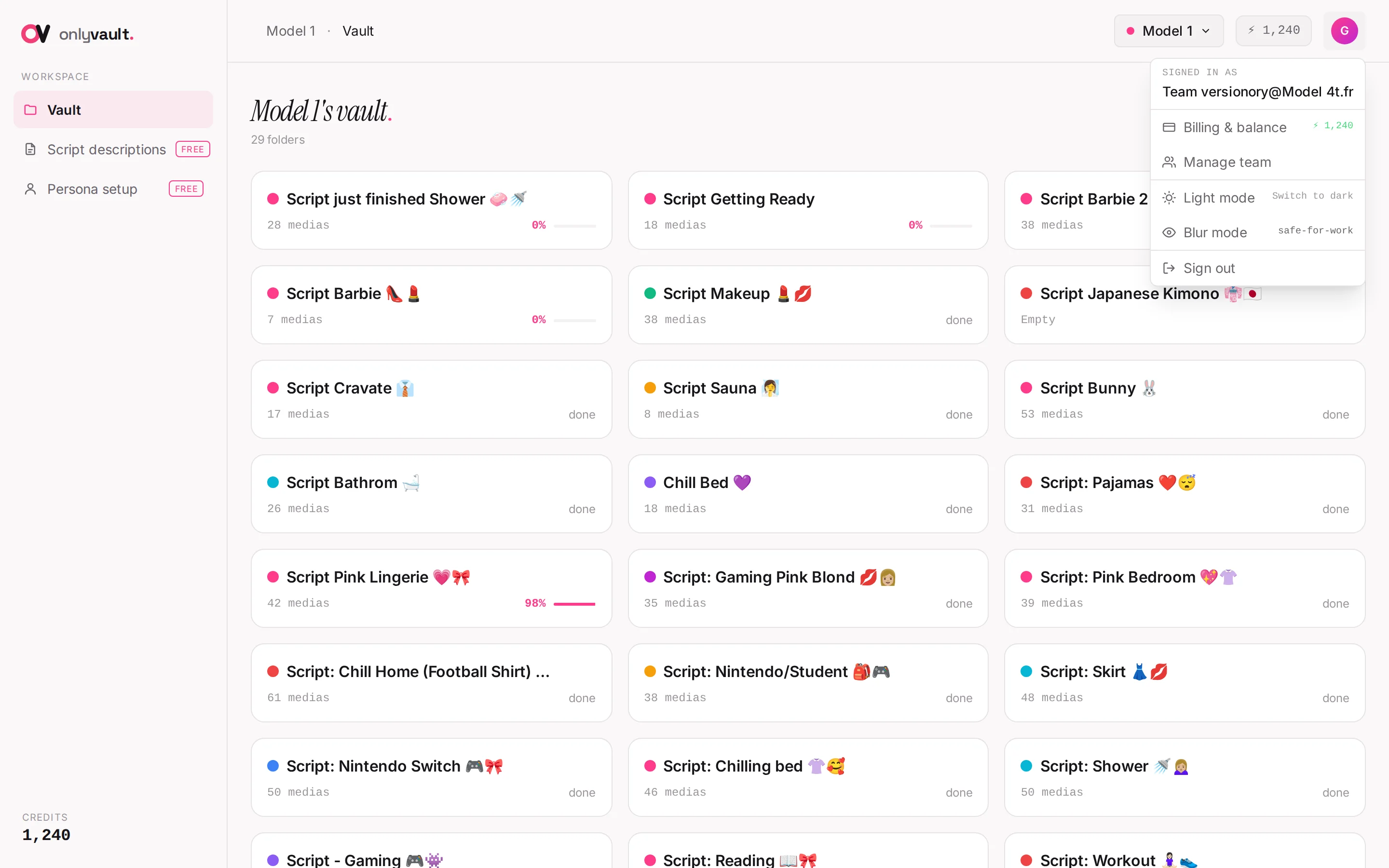
Open the user menu (avatar letter, top right) and click Manage team. Only owners see this entry.
Roles
| Action | Owner | Editor | Assistant |
|---|---|---|---|
| Generate, Regenerate, Re-rewrite captions | Yes | Yes, billed to the owner | No |
| Edit caption text, move captions between folders | Yes | Yes | No |
| Mark done, Restore | Yes | Yes | Yes |
| Create and edit folders and creators | Yes | Yes | No |
| Delete captions, folders with captions, creators | Yes | No | No |
| Credits, Billing & balance, top-up | Yes | No | No |
| Manage team | Yes | No | No |
| Script descriptions, Persona setup | Yes | Yes, billed to the owner beyond the free quota | No |
The role shows as a badge ("editor" or "assistant") in the header of a member's session. Refusals read "Your role can't generate captions", "Your role can't edit captions", "Your role can't move captions", "Only owners can delete captions" or "Forbidden, insufficient role".
Use Editor for the person who uploads and cleans captions; use Assistant for the person who pastes captions into OnlyChat and ticks them off.
The "Team management" modal
Invite a teammate
- Pick the roleRole select: "Editor (generate + edit)" or "Assistant (mark done only)".
- Grant creatorsAccess to creators: tick at least one creator. The member will only see those vaults.
- Generate the linkClick Generate invitation link. The modal shows "Share this link (expires in 7 days):" with a read-only link of the form
https://onlyvault.co/invite/...and a Copy button (toast "Link copied!"). - Send itSend the link to the person on your usual channel. One link, one person.
Pending invitations
Each pending invitation shows its role and "N creator(s)" with a Cancel button (confirm "Cancel invitation? This invitation link will stop working." then Cancel invite).
Team members
"Team members (N)" lists each member with avatar, name or email, role pill, a Remove button (confirm "Remove team member? They will lose all access immediately." then Remove) and an "Access:" row of per-creator checkboxes. Toggling a checkbox applies immediately; on failure a toast says "Toggle failed". Empty state: "No team members yet, generate an invitation above to add someone."
Accepting an invitation
The invited person opens the link and lands on a page reading "You're invited, owner email invited you as editor" (or assistant).
| Field | Rule |
|---|---|
| Your name | Placeholder "e.g. Tom", 50 characters. This is the name shown in "done by name" |
| Must not already have an OnlyVault account. If the person already has one, invite another address of theirs, or ask Greg, our CEO (@YumitG on Telegram), to attach the existing account to your team | |
| Choose a password | At least 8 characters |
Click Join the team ("Joining..."). The member is signed in and sent straight to the app, already scoped to the granted creators.
Errors on this page: "Invitation not found", "Invitation already used", "Invitation expired" (links last 7 days), "Invalid email", "Email already used", "Password must be at least 8 characters".
Good to know
- Editors spend the owner's credits. If a card shows "Insufficient balance", the owner has to top up; the editor cannot.
- Members never need to verify their email.
- Quotas of the free tools (10/30 script descriptions, 3/10 persona sheets) are counted for the whole account, owner and members together.
- Removing a member is immediate; their captions and "done by" marks stay.
- A member can only be given creators that exist; add the creator first, then tick it in "Access:".