
Once connected, your agent sees a set of OnlyChat tools. They fall in two groups: tools that only read your account, and tools that change it. The read tools are safe to use freely. The write tools act on your real account, so treat them like any change you would make yourself.
Read tools
Your agent can look at everything it needs to understand your account and answer questions:
- Your organization and creators: the organization, the list of creators, each creator's profile and settings.
- Scripts and media: scripts and their steps, script folders, media folders and the media inside them, import quotas.
- Numbers: overall stats, per-script stats, and your transactions.
- Fans: the fan list, a fan's messages, and a fan's note.
Reading never changes anything, so this is the safe way to start: ask your agent to pull your unlock rate, list a creator's scripts, or summarize a fan conversation.
Write tools
If you let it, your agent can also build and change things:
- Scripts: create, duplicate and update scripts and their steps, activate or deactivate them, set the first script, move them between folders.
- Folders and media: create and rename script folders and media folders, upload media, update a media's description, import scripts or whole media folders from another creator, sync media from the OnlyFans vault.
- Settings: update a creator's settings and profile.
Safety first
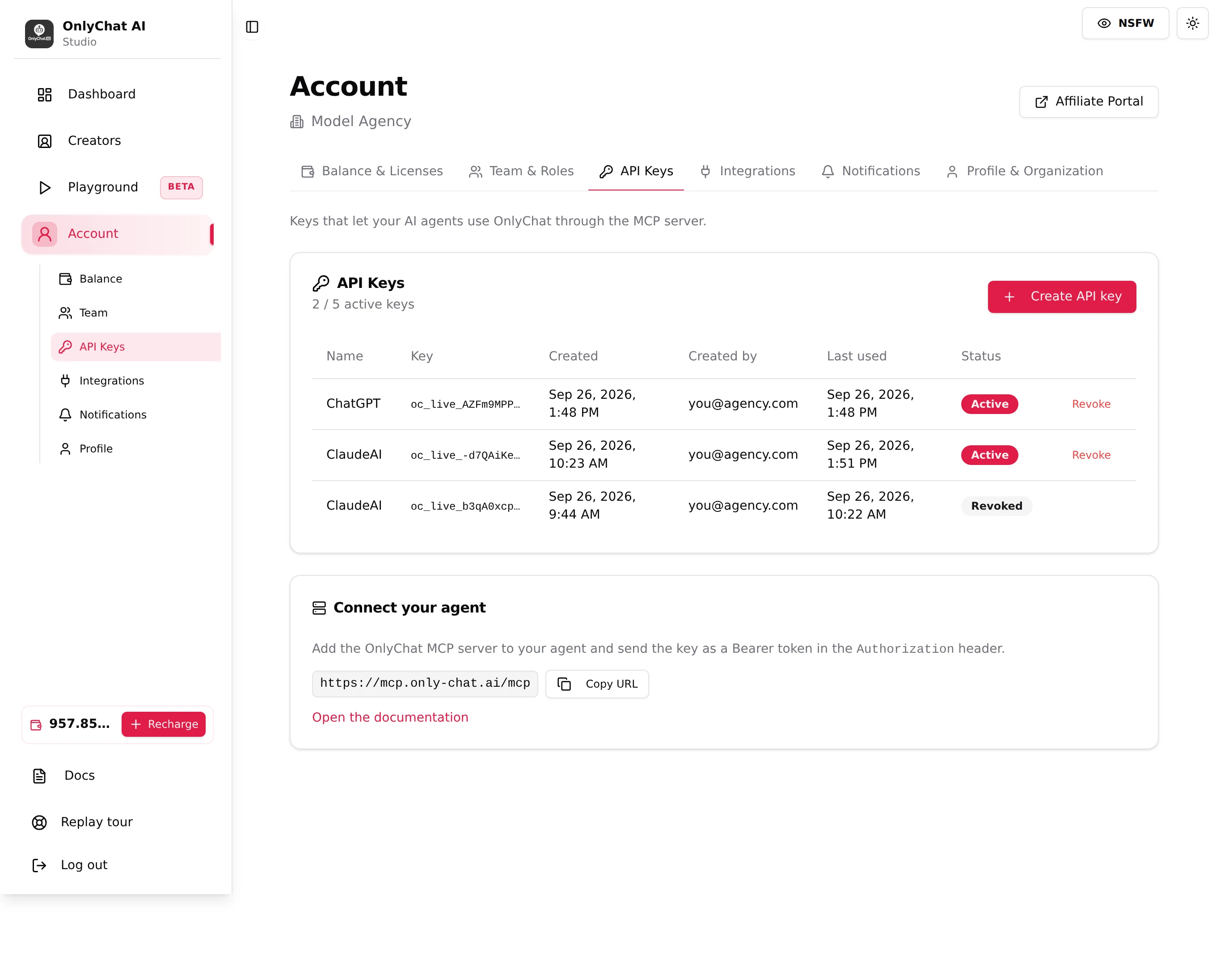
The key is bound to your organization, so an agent that holds it can see and change every creator, not just one. A write tool changes your live account the same way a click in the app would.
- Start read only. Ask the agent to read and summarize before you let it create or change anything.
- Review before write. Have it show you the script or change it plans to make, then confirm.
- One key per agent, so you can revoke just that one if needed.
- The agent cannot touch your balance, your billing or your licenses through the MCP, and it does not message your fans on its own.