Create a Telegram Bot
Use BotFather to create a new Telegram bot and retrieve its token.
The first step is to create a dedicated Telegram bot using BotFather — Telegram's official bot management tool.
⚠️ Do this from your main Telegram account, not the one that will be linked to the bot.
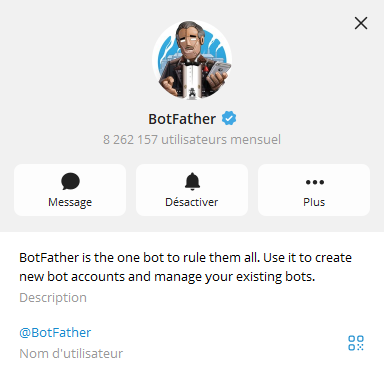
1. Open BotFather
In Telegram, search for @BotFather and start a conversation.
2. Create a New Bot
Send the command:
/newbot
BotFather will prompt you to:
- Enter a display name for the bot (e.g.
My Creator) - Choose a username — must be unique and end in
bot(e.g.mycreator_bot)
3. Copy the Token
Once the bot is created, BotFather will send you a bot token — a string that looks like:
123456789:AAFxxxxxxxxxxxxxxxxxxxxxxxxxxxxxxx
Copy and save this token — you'll need it in the next step.
🔒 Keep your token private. Anyone with it can control your bot.